 Muffle
Push to talk and a global mute shortcut for Discord on a Mac
Discord's push to talk needs extra permissions on a Mac and doesn't work for Discord in the browser. If you also join Meet or Zoom calls, you end up with a different mute key for every app.
Muffle gives you one key for all of them. Tap it to mute, hold it to talk, or press your AirPods.
Try Muffle free for 3 daysComing soon to the Mac App Store
Set up push to talk for Discord
- Install Muffle and allow microphone access.
- Join a Discord voice channel.
- Tap Control-Option-M to mute or unmute. Hold it while muted to talk.
- Pick your own key in Muffle Settings, for example an F key.
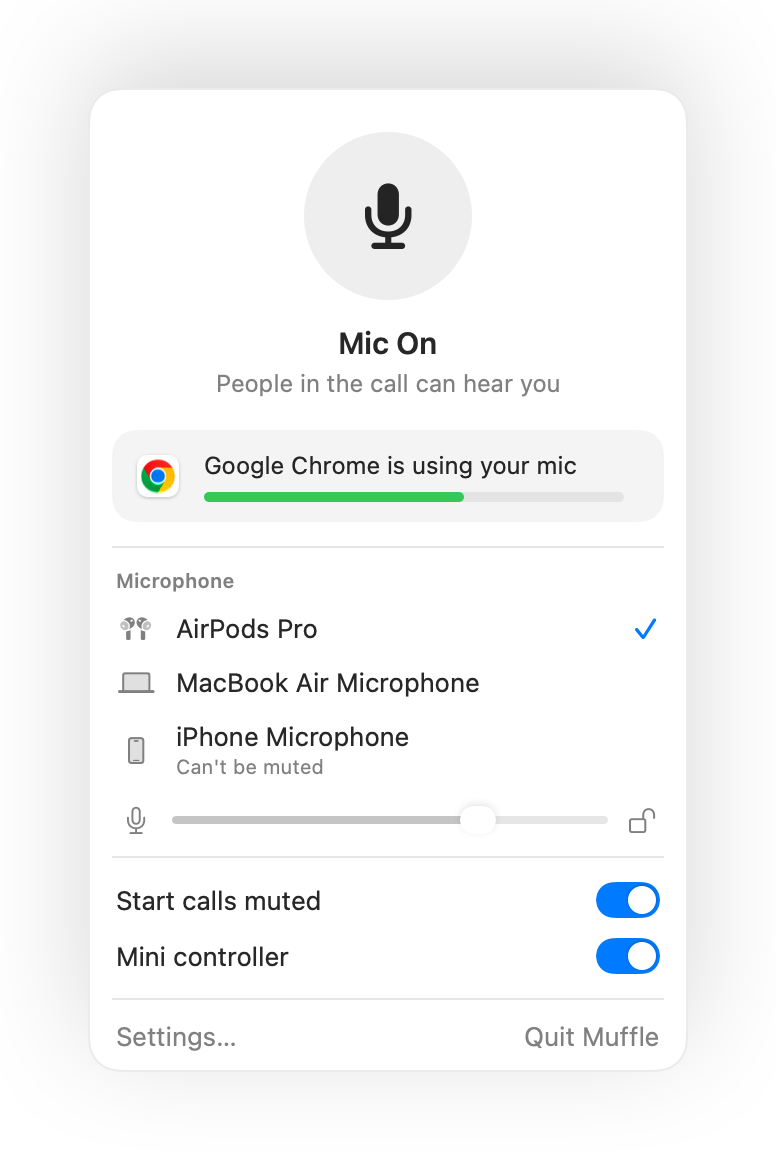
- Muffle's shortcut needs no Accessibility permission.
- Lock your mic level so Discord's automatic gain doesn't keep changing it.
Questions
Is this the same as Discord's push to talk?
It works the same way, but for every app at once. Muffle mutes the microphone itself, so Discord hears silence until you hold the key.
Can I mute Discord with AirPods?
Yes. During a voice call, press the AirPods stem to mute or unmute.