 Muffle
AirPods mute not working on your Mac? Here's the fix
macOS lets you mute a call by pressing your AirPods stem, but only if the call app supports it. Many don't, including Chrome and the web calls inside it. You press, hear a short error chime, see a “Cannot Control Mic” message, and the call keeps hearing you.
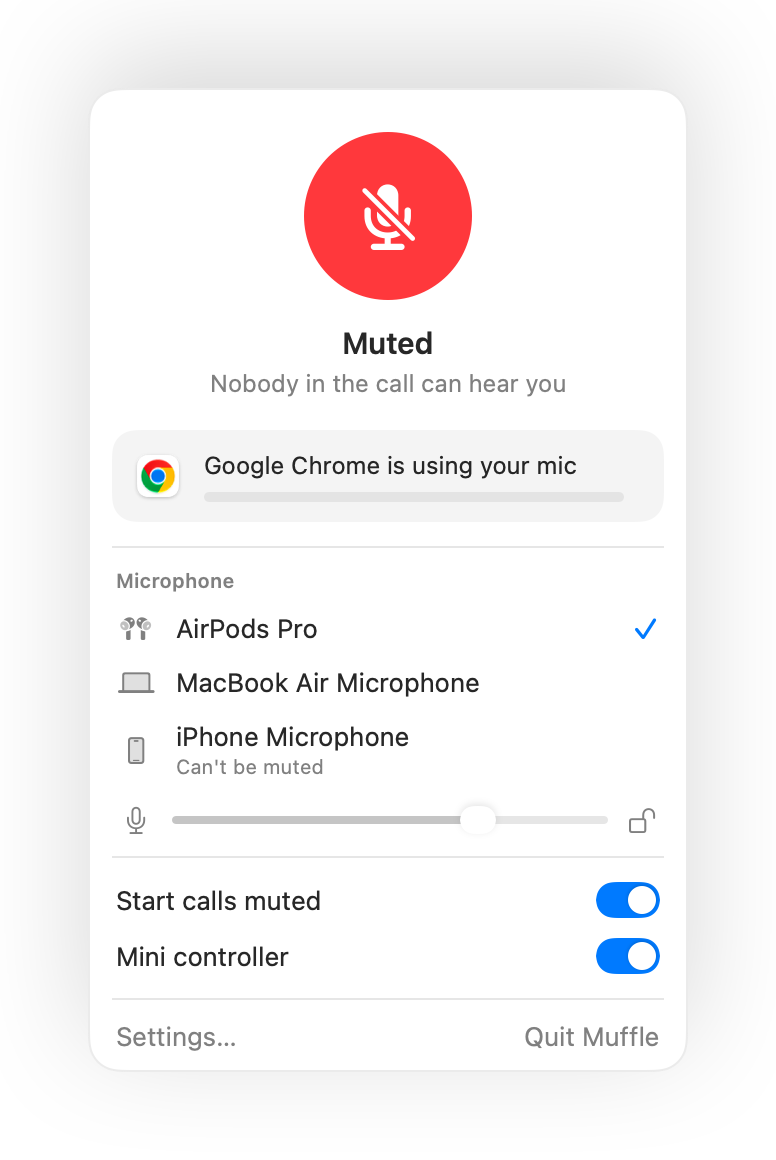
Muffle adds that support to every app. It receives the press, mutes your Mac's microphone and plays the normal mute chime.
Try Muffle free for 3 daysComing soon to the Mac App Store
Make the AirPods press mute any app
- Install Muffle and allow microphone access. macOS only sends the press to apps that can use the mic.
- Check that “Mute and unmute with an AirPods press” is on in Muffle Settings.
- Join a call. The press only mutes while an app is using the microphone.
- Press the stem once to mute and again to unmute.
- Outside calls, the press still plays and pauses music as usual.
- If your AirPods use a different press for call controls, check your AirPods settings in System Settings.
Questions
Why does my Mac play an error sound when I press my AirPods?
The app you're calling from doesn't support the AirPods mute press, so macOS rejects it. With Muffle running, the press mutes your mic instead.
Which AirPods support the mute press?
AirPods Pro, AirPods 3 and later, and AirPods Max, plus Beats models with call controls.