 Muffle
Push to talk on a Mac, in every app
Push to talk keeps you muted until you hold a key. It's the easiest way to stay quiet in big meetings or noisy rooms, yet only a few apps have it, and each uses a different key.
Muffle adds push to talk to every app on your Mac. Choose Push to talk in Settings, hold the shortcut to speak, and let go to mute again.
Try Muffle free for 3 daysComing soon to the Mac App Store
Use push to talk
- Install Muffle.
- In Muffle Settings, set Shortcut mode to “Push to talk”.
- Hold Control-Option-M while you speak.
- Let go. You're muted again.
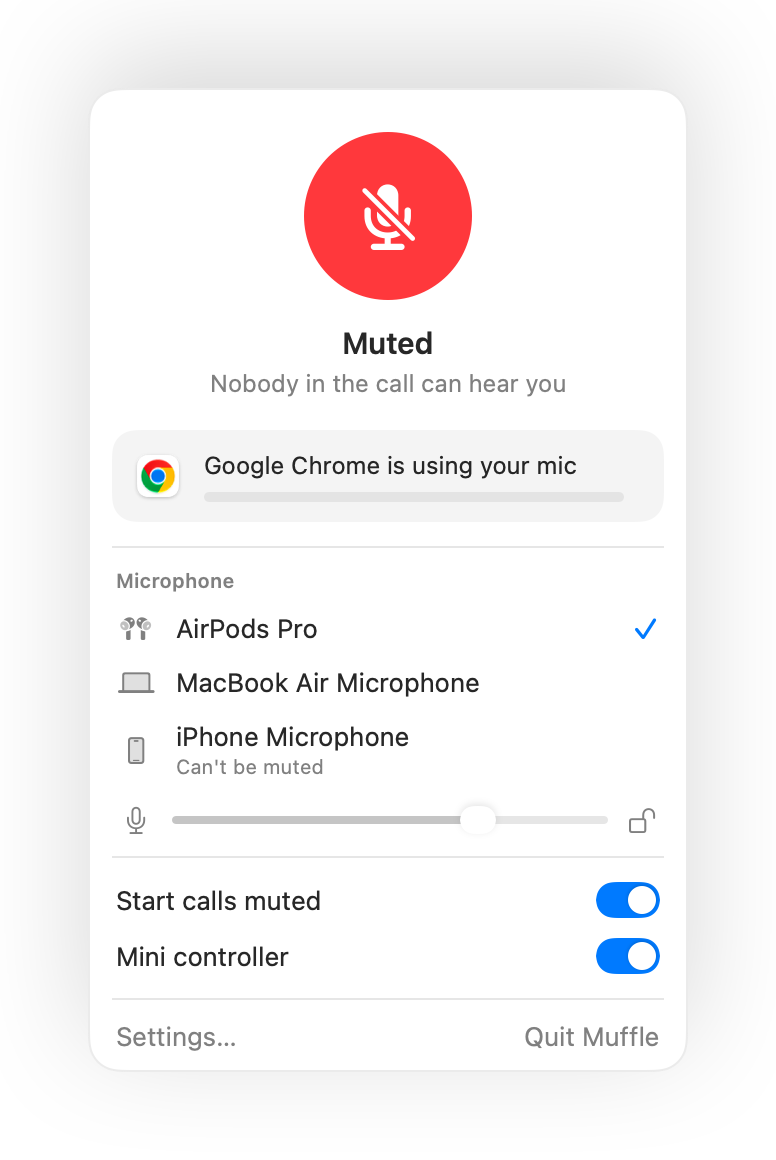
- Prefer a single key? Set a talk key in Settings: Right Option, fn or an extra mouse button.
- Pick a comfortable shortcut in Muffle Settings, for example an F key.
Questions
Does push to talk work in Google Meet?
Yes. Muffle mutes the microphone itself, so push to talk works in Meet, Zoom, Teams, Discord and any other app.
Is there push to mute?
Yes. Choose “Push to mute” and hold the shortcut to mute for a moment, like a cough button.