 Muffle
A “You're muted” reminder for every call app
Zoom warns you when you talk while muted. Most other apps don't, and web calls almost never do. You explain something for a minute, then notice everyone waiting.
Muffle watches for speech while you're muted and shows a reminder, in any app. When the call uses AirPods or a headset, it listens to your Mac's own mic, and only to its loudness. Nothing is recorded.
Try Muffle free for 3 daysComing soon to the Mac App Store
Turn on the reminder
- Install Muffle and allow microphone access.
- Make sure “Remind me when I talk while muted” is on in Muffle Settings.
- Join a call with AirPods or a headset and mute.
- Start talking. A “You're muted” reminder appears.
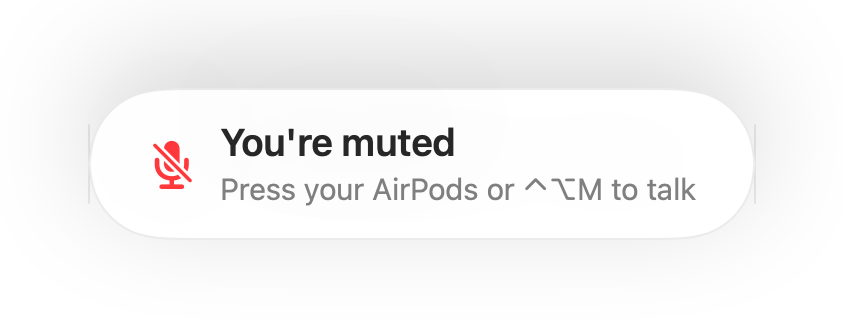
- Joining a call while still muted from the last one? Muffle reminds you as the call starts.
- Typing doesn't set off the reminder. Only steady speech does.
Questions
Does the reminder work with the Mac's built-in mic?
It works when the call uses AirPods or a headset. If the call uses the Mac's own mic, that mic is muted and can't hear you.
Is my audio recorded?
No. Muffle only measures loudness and never keeps or sends any audio.