 Muffle
How to mute a Slack huddle from any app on a Mac
Slack's huddle controls live in a small window that's easy to lose behind your work, and its mute shortcut only works while Slack is in front.
Muffle mutes your microphone for Slack and every other app with one shortcut or an AirPods press, wherever you are on your Mac.
Try Muffle free for 3 daysComing soon to the Mac App Store
Mute a huddle from anywhere
- Install Muffle and allow microphone access.
- Start or join a huddle in Slack.
- Press Control-Option-M or your AirPods stem to mute.
- Glance at the menu bar: red means nobody hears you.
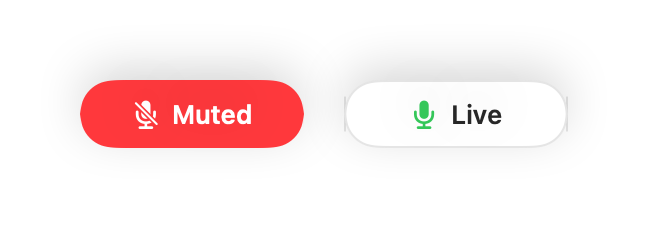
- The floating mini controller shows your mic state during every huddle.
- Hold the shortcut to say something quickly while staying muted otherwise.
Questions
Does it work with the Slack app and Slack in the browser?
Yes. Muffle mutes the microphone itself, so it works in both.
Will teammates see that I'm muted?
Slack may still show your mic as on. They hear silence while Muffle has you muted.