 Muffle
How to mute your microphone on a Mac
There's no mute key for the microphone on a Mac. Depending on the app and the moment you have a few options, and only some of them work everywhere.
Try Muffle free for 3 daysComing soon to the Mac App Store
Your options
- The call app's own button or shortcut. It works only in that app, and only while that app is in front.
- System Settings, Sound, Input. Dragging the input level to zero isn't a real mute on every mic, and apps can raise it again.
- A global shortcut with Muffle. One key mutes the microphone itself, in every app.
- Your AirPods. With Muffle, pressing the stem mutes any call, including Google Meet in Chrome.
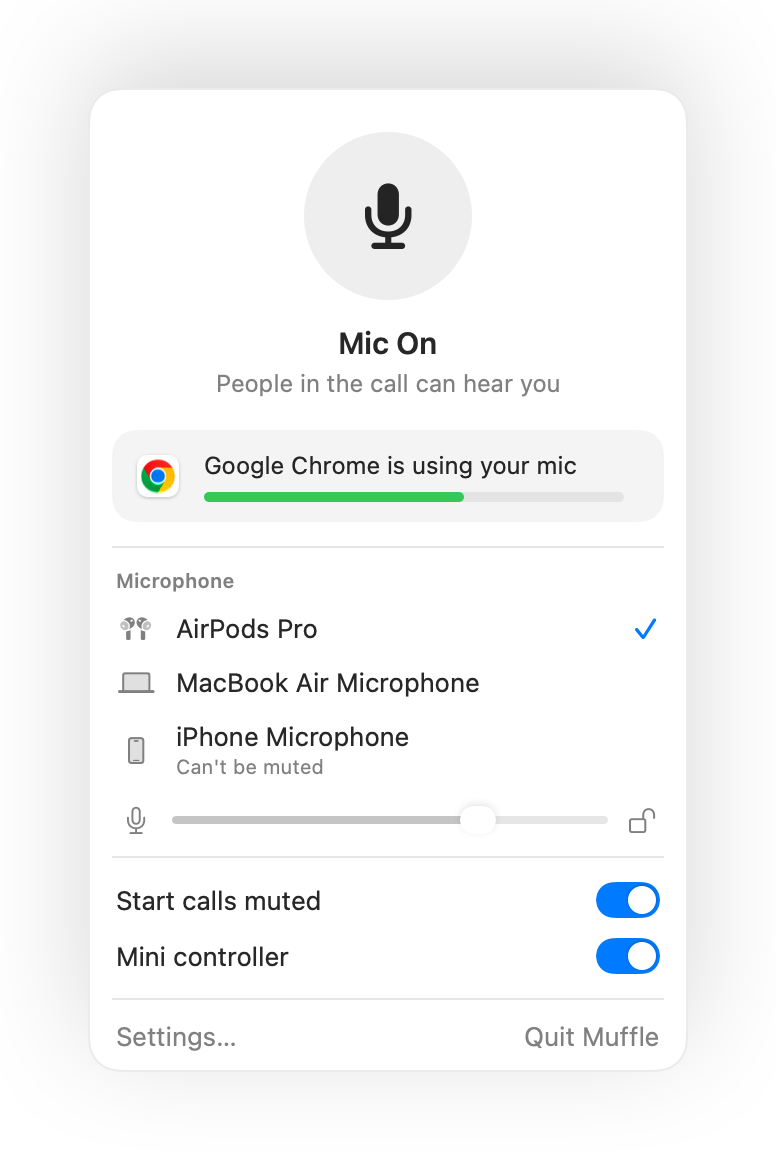
- The Muffle menu bar icon turns red while the mic is off, whatever app you're in.
- Quitting Muffle always turns your microphone back on.
Questions
Is there a built-in microphone mute on a Mac?
Not a system-wide one. macOS only mutes the mic inside apps that support it. Muffle adds a real system-wide mute.
Does muting in Muffle mute every app?
Yes. Muffle switches off every microphone at the hardware level, so no app can hear you until you unmute.